
Creative ideas · By the Closed on Sunday team ·
Cat and Dog AI Choir Video Ideas: Choose Your Cast
An animal choir works because the casting is unexpected. Your pet can be the calm main character, or you can stand in the middle while cats or dogs do the singing. Plan the combination first so the joke is clear before you spend credits on a render.
Understand the two separate choices
In Closed on Sunday AI, your uploaded photo determines the central subject. The choir tile determines the surrounding performers. Uploading a dog does not automatically select the dog choir, and choosing cats does not replace the face in your uploaded portrait.
Think of the combination as a short sentence: “my dog in the middle of a human choir” or “me surrounded by cats.” If you can describe the idea clearly, it is easier to choose the correct photo and preset. The finished video is 15 seconds with generated choir audio, in a landscape 16:9 HD MP4.
 The original
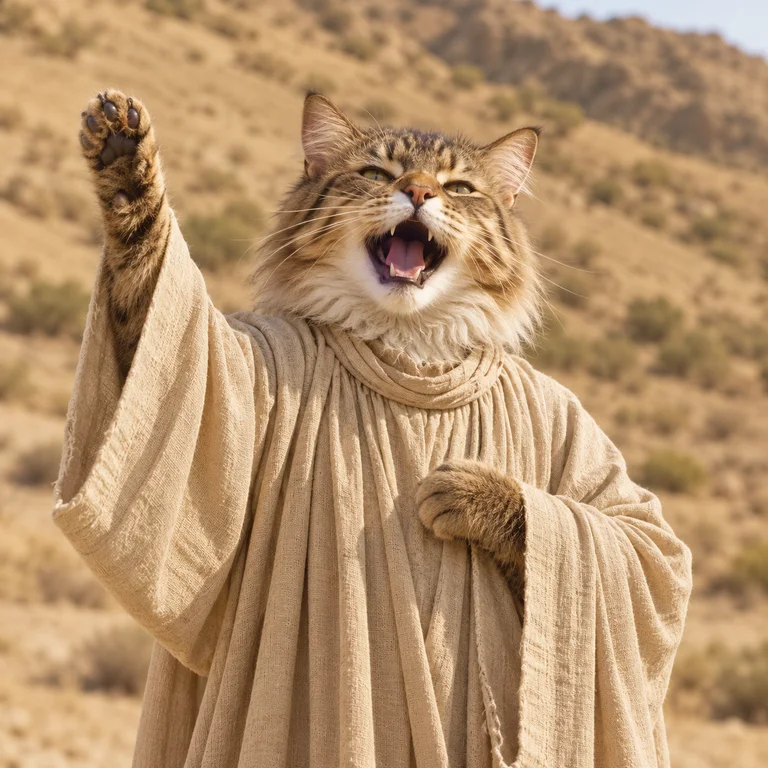 Cat choir
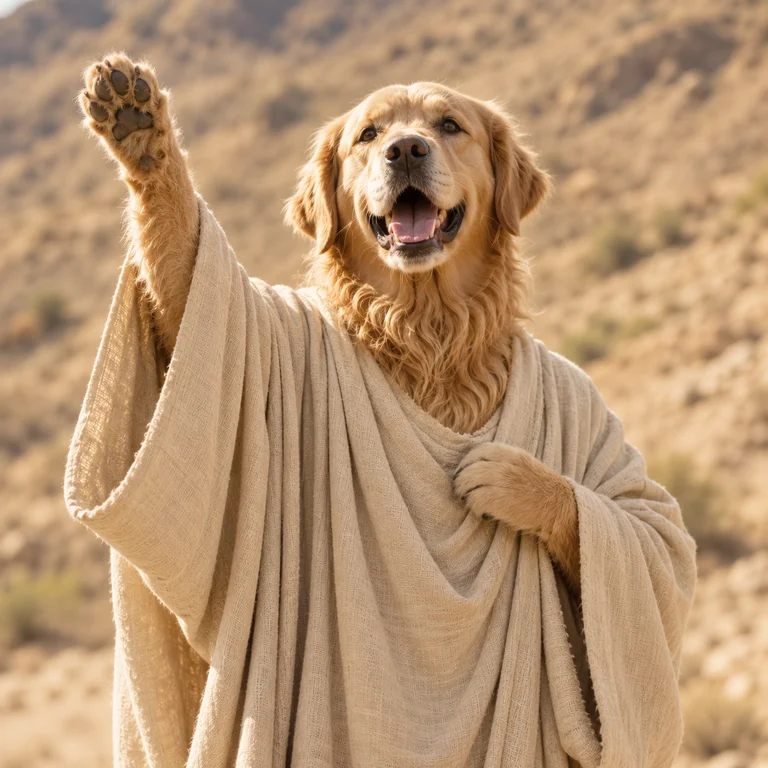 Dog choir
Idea 1: your cat, with the original choir
Put a calm-looking cat in the centre and choose the original human choir. The formal cast makes an ordinary pet portrait feel like an unexpectedly grand occasion. A front-facing photo with visible eyes and ears makes a useful starting point.
A simple caption such as “The household has assembled” can support the idea without explaining every detail. Keep text away from your cat’s face. These captions are creative suggestions; the studio generates the video scene, and you add text separately after downloading.
Idea 2: you, surrounded by the dog choir
Use your own portrait and select the dog choir for a scene built around enthusiastic company. The preset shows the surrounding cast, so inspect its tile before generating. Your source image only needs to show you; it does not need to include a dog.
Try a caption like “My support team has arrived.” The intended still centre gives the surrounding performers room to carry the joke. Review the generated face and motion before sharing, since the output is a newly generated scene rather than a precise composite of your photograph.
Idea 3: your dog, surrounded by cats
A dog at the centre of a cat choir creates a clear contrast between the subject and the cast. Choose a photo where the dog faces the camera and its muzzle is not hidden by a toy. A calm expression can help the scene read as an awkward but ceremonial gathering.
Keep the premise simple with a caption such as “Invited to the wrong rehearsal.” Avoid packing several jokes into the same short clip. Let viewers see the dog and enough of the surrounding cats before adding any cuts or close-ups in an external editor.
- Subject photo
- Your dog, facing the camera
- Surrounding cast
- Cat choir preset
- Caption to add in your editor
- “Invited to the wrong rehearsal.”
- Review before sharing
- Can you recognize the dog and still see the surrounding cats?
Compare the plan before generating
Write down the subject, choir, and optional caption before uploading. If the idea depends on a particular cast, verify the selected tile in the studio. Browse other options such as robots, rabbits, or pumpkin heads if the animal combination does not fit the mood you want.
Start with the combination you care about most rather than generating several variations without a plan. Each generation uses credits at the displayed rate. There is no need to buy a subscription, but a new attempt is still a new generation, and visual details can differ between results.
Keep the animals visible in the final post
Preview the entire MP4 with sound after downloading. A tight vertical crop may keep the central face while removing the animal choir that makes the idea work. Try preserving the landscape video inside a vertical canvas and placing captions in the surrounding space.
Save the original download before editing so you can revise the layout later. If your result is still processing, return through My videos to check its status. For billing or task problems, contact support with the account email and order or task ID so the team can identify the relevant generation.